
Userorbit MCP Server is now available
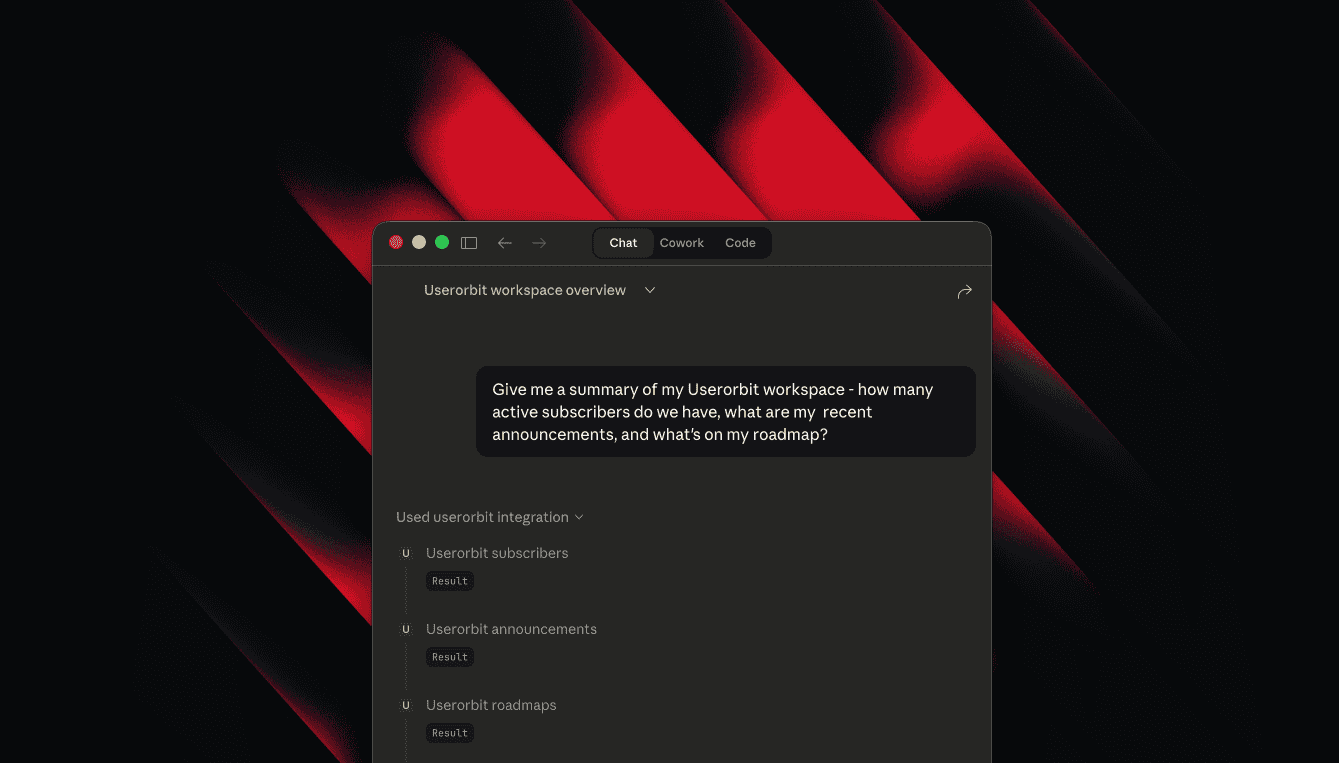
Managing Userorbit resources like announcements, feedback, roadmaps, and help content often requires switching between multiple tools and platforms, disrupting your development and communication workflows.
So we're excited to announce the release of the Userorbit MCP Server. This new server allows you to manage all your Userorbit resources directly from popular MCP-compatible AI assistants such as Claude Code, Claude Desktop, Cursor, Windsurf, and VS Code, streamlining your product communication and development processes.
A few things you can do with this:
Create and update announcements from release notes without leaving your editor.
Triage feedback, move items across roadmaps, and keep product plans current.
Draft and maintain help center articles alongside product changes.
Manage subscribers, tags, and projects through the same assistant workflow.
Getting Started
Add
@userorbit/mcpto your MCP configuration using the commandnpx.Set your
USERORBIT_API_KEYandUSERORBIT_TEAM_ID, which can be found in Settings → API.Start your AI assistant and begin calling resource tools with an
actionand relevantparams.
The Userorbit MCP Server is available now. It currently exposes 17 resource-level tools across the Userorbit API, with more integrations planned for the future.